Showing posts with label Photoshop. Show all posts

Thursday, February 19, 2009

Photoshop Surrealistic Collage Assignment.

1. Post your image. I will be working with Cornell's Spirit Level (1942)


2. Post your Feldman's Model Paper (300 words or more) DUE TUESDAY FEB 24 MIDNIGHT

What does it take to keep your spirit level? That is the question that Cornell is asking with this piece.

A scuffed up yellow ball sits suspended in the middle of the box between two stiff wires. On either side of the ball is a tiny glass, the kind used for a drink of port or sherry (a sweet fortified wine that reminds me of prune juice.) The back of the box looks like old unpainted siding of a decrepit white cottage. A picture of the solar system is pasted high in the top of the box.

The billboard painted on a barn that we speed by at 60 miles per hour. Reminding us, if we stop to think, “You are here…. Maybe?”

Is our spirit level, when we zoom past the landscape as if flying? Landscape is the television broadcast on our windshield, a drive-in movie screen. Most of us alone, in our cars, where are our friends that will sit with us? One on each side, drinking together. A tiny glass of sherry to keep our spirits level as we talk about our past, present and future together.
(Yes I know it's not 300 words... it's an example of interpretive writing.)

3. Post your Photoshop/Surreal Collage. (I will be working on an example, including Photoshop commands... to post as soon as possible.) DUE TUESDAY FEB 24 MIDNIGHT

Using no more than 5 "pieces" use Photoshop to create a collage that can be INTEPRETED in the same way as your Surrealist Image from Cornell or Oppenheim.

Step 1. I searched for images using google images search, "solar system, maps, spirit level, line leve and guitar. I may find more images later, but I'm going to start with these.

Step 2. I downloaded images. I am providing links to the images because I don't have the copyright. However once I have modified them and made a collage significantly changing them... it is a new work of art. And I will be able to post it without violating copyright. If I was a famous artist sold this work... I might be sued but as a college professor (student) doing this for education purposes I'm pretty safe.

Solar System Map

Panorama of Swiss Alps

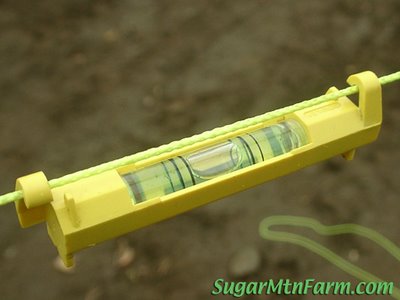
Spirit Level

Line Level

Retro lawn chairs

Guitar

Josef Cornell: Images for Feldman's model assignment

The Baseball Reliquary website. Interesting commentary on Cornell's baseball collage.

Cole, Simon and Rob (This is me)
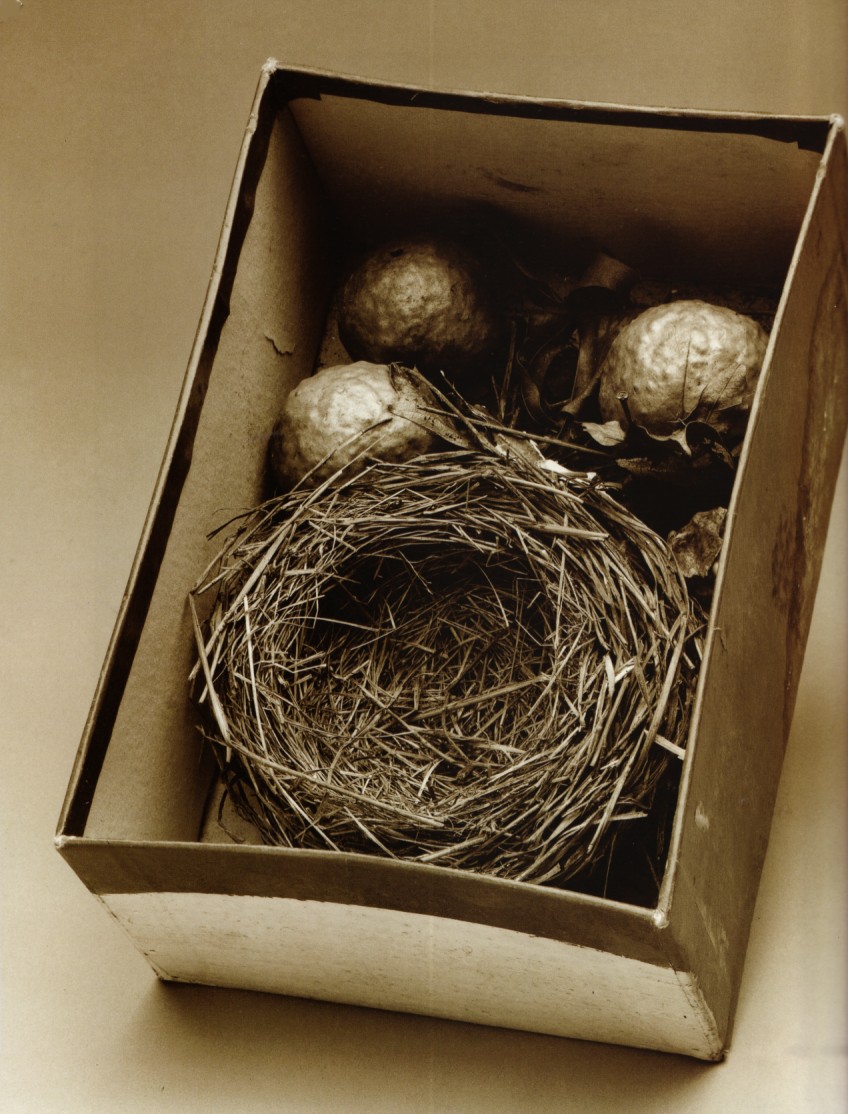
Joseph Cornell: box with bird's nest and oak galls

Mike (LEGALIZE IT) Sarah and Tyler A.
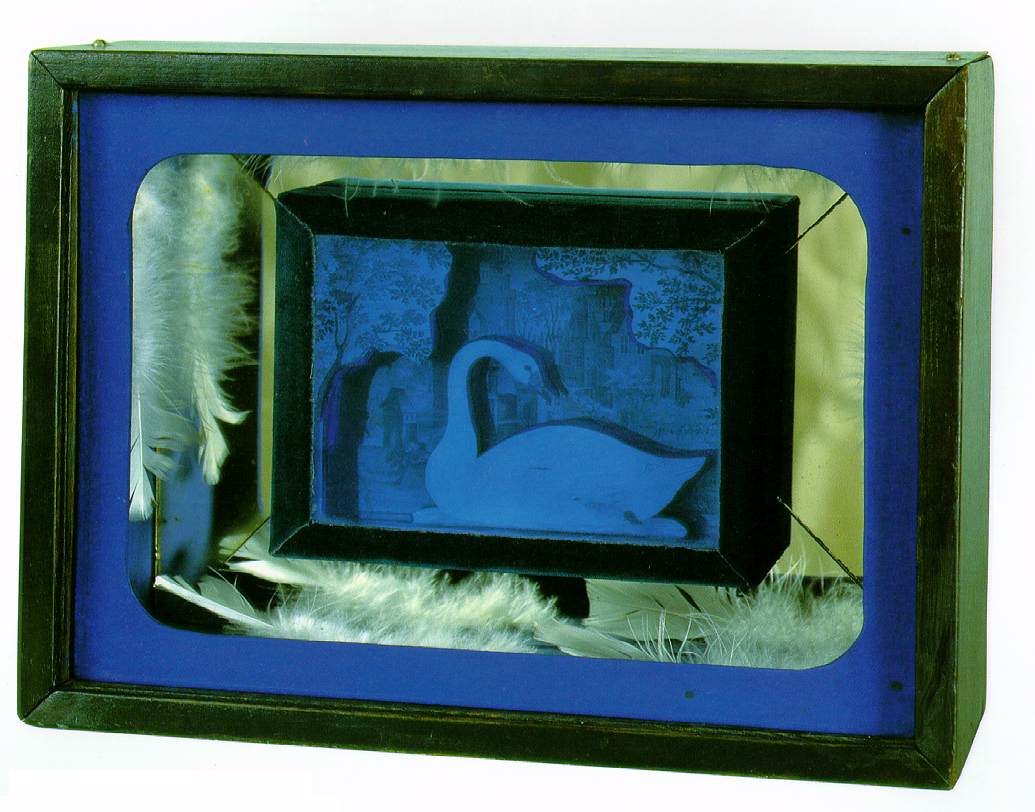
Josef Cornell Swan Lake

Lindsey E. Brittany and Ryan
Josef Cornell: Medici Prince

Cam, Alisa and Steve
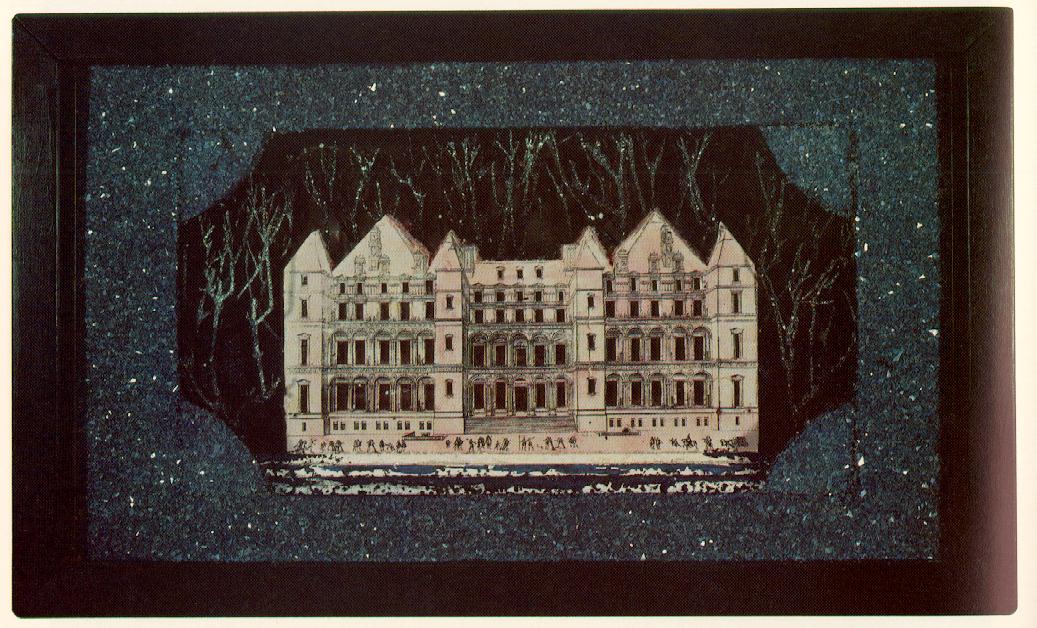
Josef Cornell: Hotel Eden

Megan, OrganicSam and Matt (art chat)
Untitled (Tilly Losch)

Garnett, Hannah and Jodi
Joseph Cornell: Baseball Collage

Janelle, Kelsey and Alaina
Joseph Cornell: Untitled (The Pink Palace)

Aimee, Patrick and Lyndsey
Habitat Group for a Shooting Gallery

Wednesday, February 11, 2009

Photoshop Variations

My variations are all similar. I like looking at subtle differences of color. I added a bee to the flower. My goal was to change colors, red to magenta as well as to change surfaces of the aquarium background.

Mx


Tuesday, February 10, 2009

Photoshopped Mascot


1. I erased the background on the mascot
2. I copied the mascot
3. Pasted it in the picture (creating another layer)
4. I used the "Resize" sub-command "Scale" to change the size of pooh bear.
5. I flattened the image down to 1 layer
6. Saved it as a jpeg and posted it.

Friday, February 6, 2009

My Mascot: Pooh

My mascot Pooh, look for him in my photos. My mother had a spare "Pooh" and sent it to me. My nephew Ray (3 on 2.07.09) has the exact same bear. If you look at the blog archives I've posted a picture of my refrigerator. On it are pictures of my nephews, my son (back in middle school) and comic drawn by nephew Ted, aged 8.


Captured with a Microsoft LifeCam 02.06.09

Photoshop: Contrast and Brightness

Other useful commands, Adjust Lighting and Adjust Color


The above image is from the professional version, below is Photoshop Elements 6.0


Enjoy your blogging experience.

Photoshop: Resize and Rotate

Where do I resize and rotate? (I am using Photoshop Elements)

Note of interest, Mode command is what you use to discard color for a black and white image.

Photoshop: Filters


Where do I find the filters menu in Photoshop (I am using Photoshop Elements)


Screen Shot